Image to video

AI anime video generator

Bring your anime pictures to life. Animate one frame, draw the motion between a first and a last, or cast your characters and a place into one scene.

Pro membership · from 100 coins a second · the price shows before you start

Three ways to start a clip

Everything happens in the Video tab of the studio. Here is what went in, and what came out.

1Frames

One picture, one line of direction

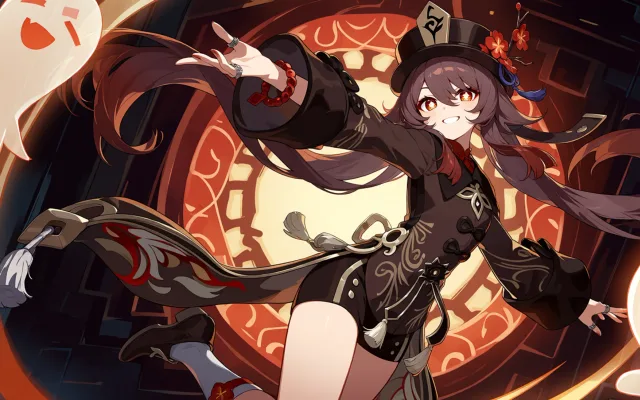
Drop a picture in as the start frame and say what happens next. The picture already shows who and where, so the direction only has to describe the motion.

Tip Name one camera move at most: a push-in, a pan, a slow orbit.

Try it
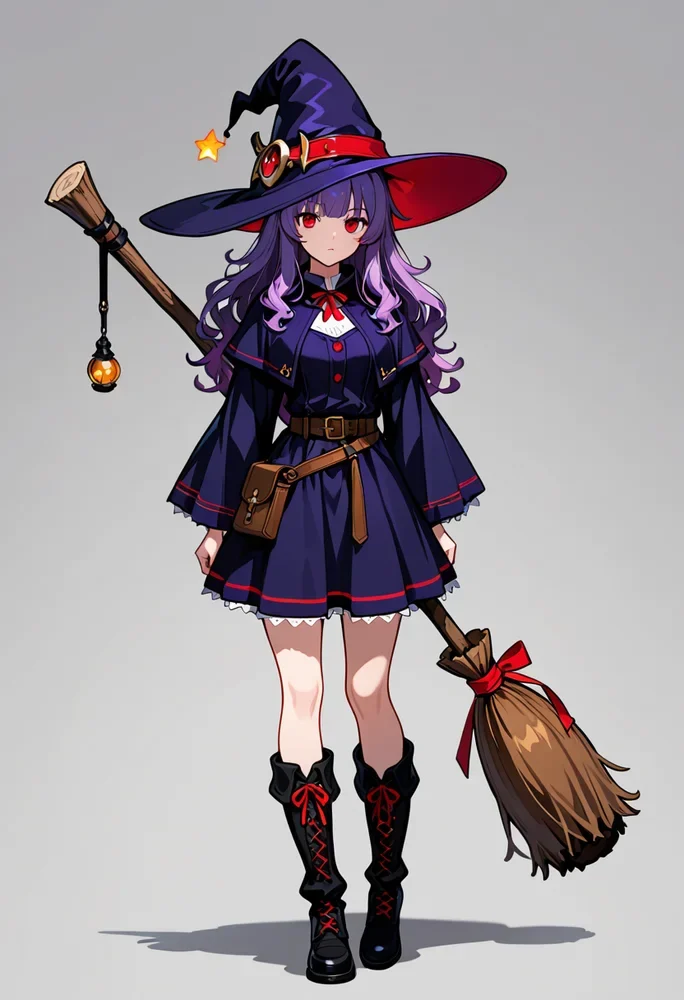
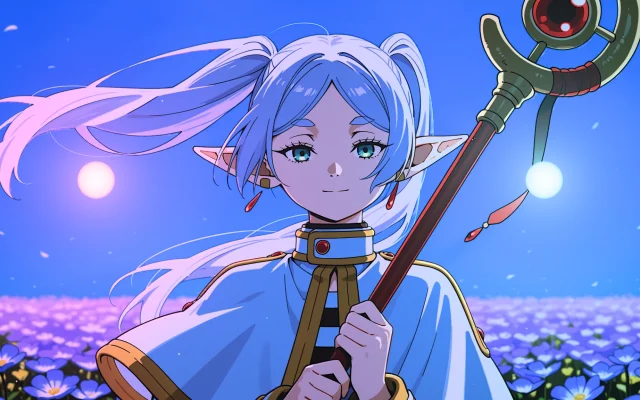
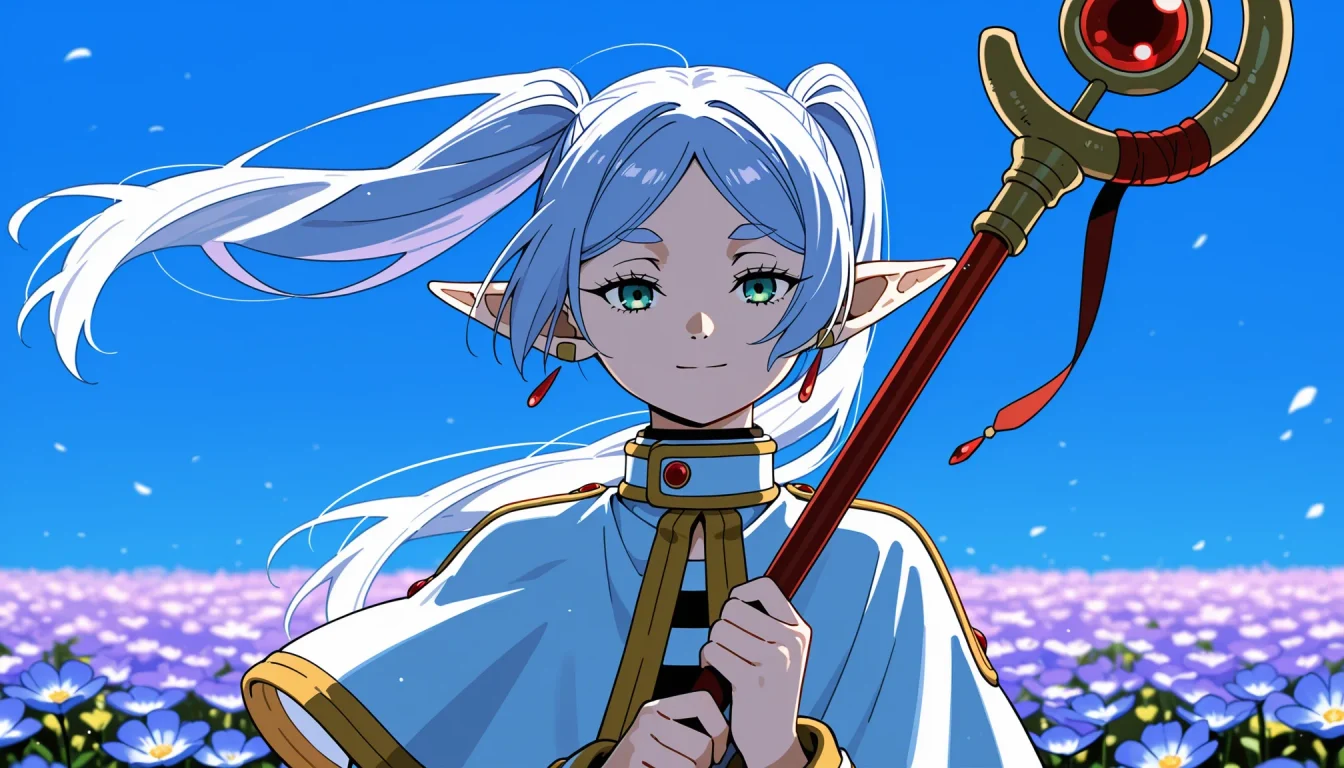
Start frame

Her hair and capelet blow in the wind, petals drift across the frame, she slowly closes her eyes and smiles, gentle camera push-in.

MiniMax H3 · 768p · 5 s · 1,000 coins
2Frames

A first frame and a last frame

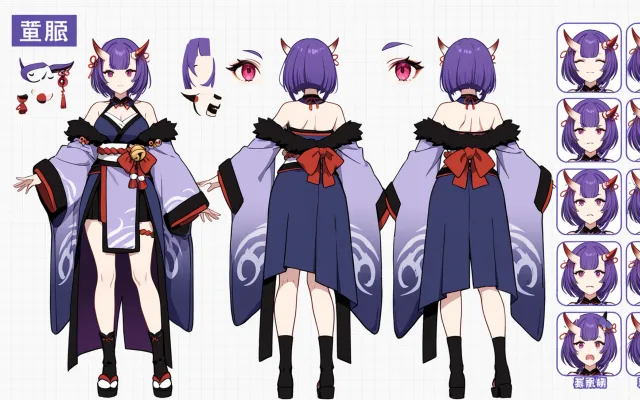
Add a second picture as the end frame and the model draws the motion between the two: a roll of the eyes, a shift of weight, a change of pose.

Tip Keep the same character, outfit and framing in both pictures. The pose and the expression can change.

Try it
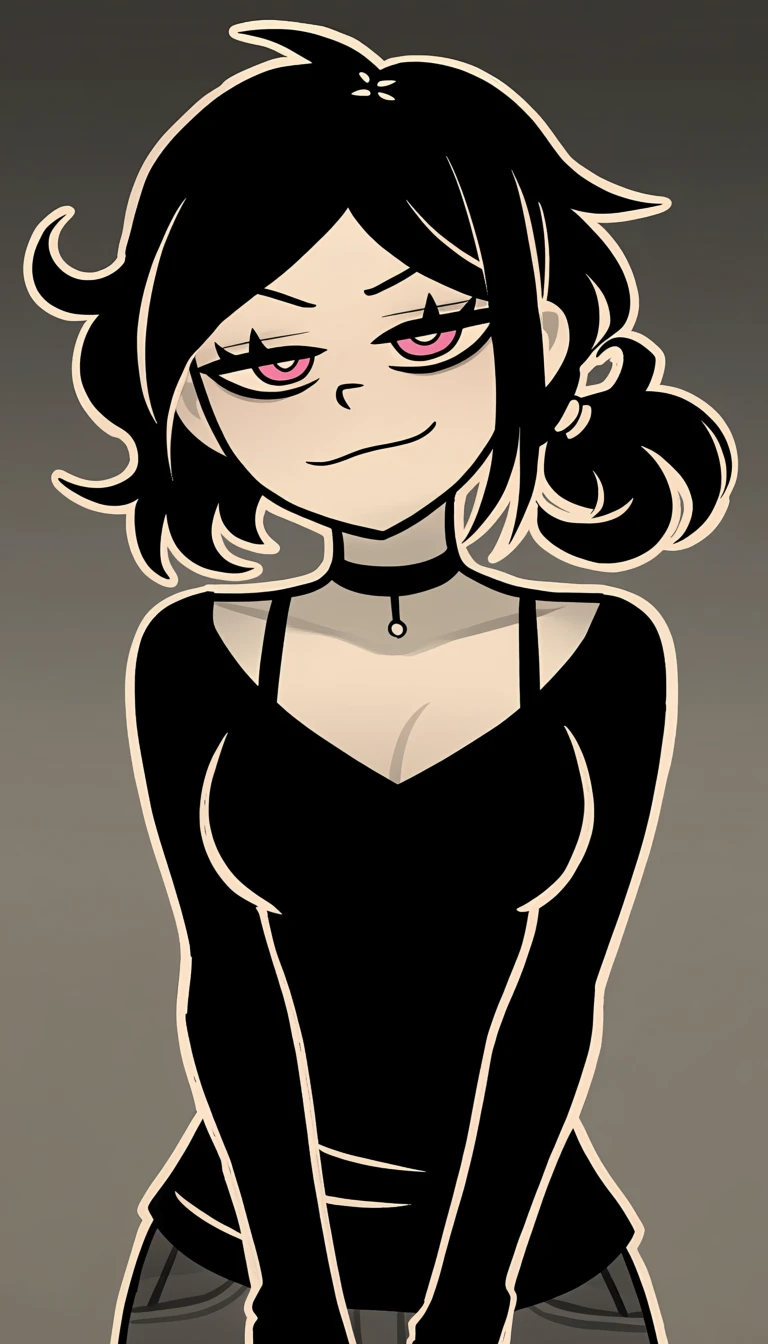
Start frame
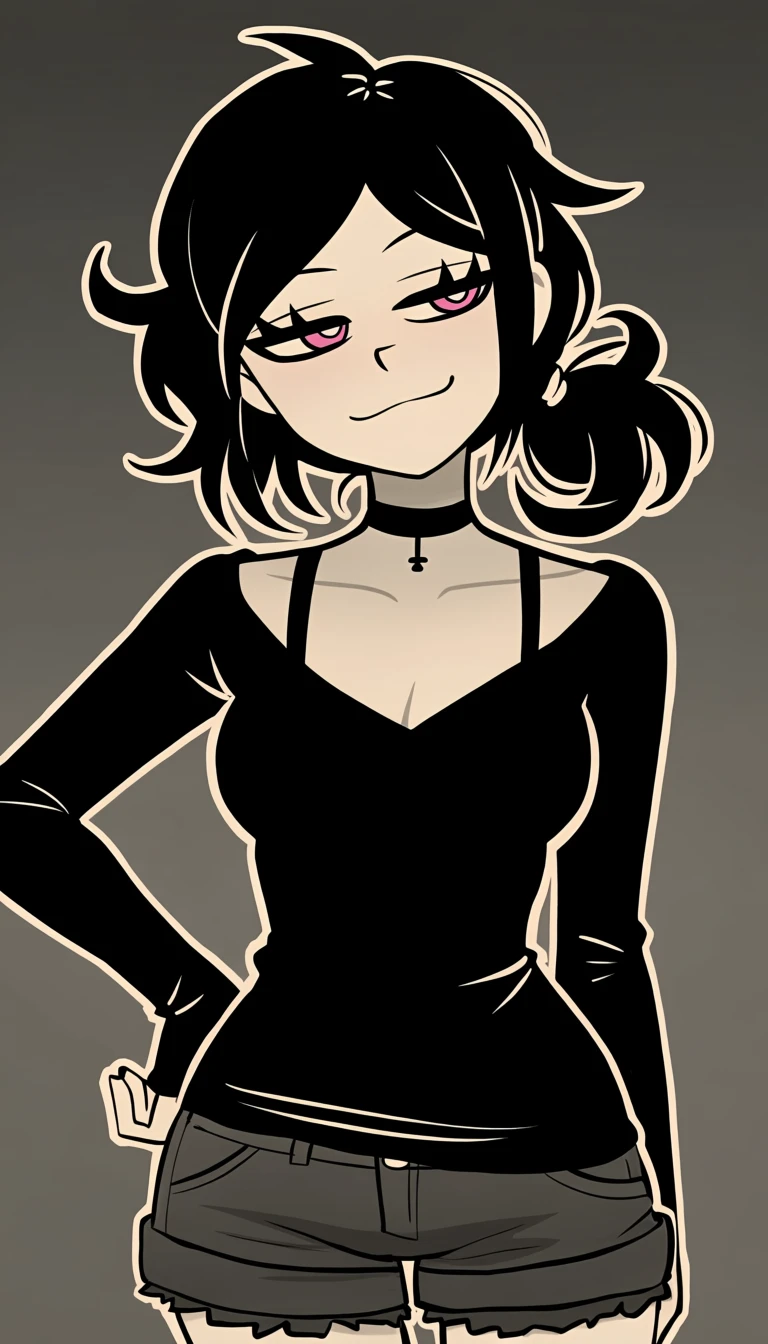
End frame

She rolls her eyes with a smug smirk, straightens up and puts one hand on her hip, her messy hair swaying.

Seedance 2.5 · 720p · 5 s · 3,600 coins
3References

Several references, one scene

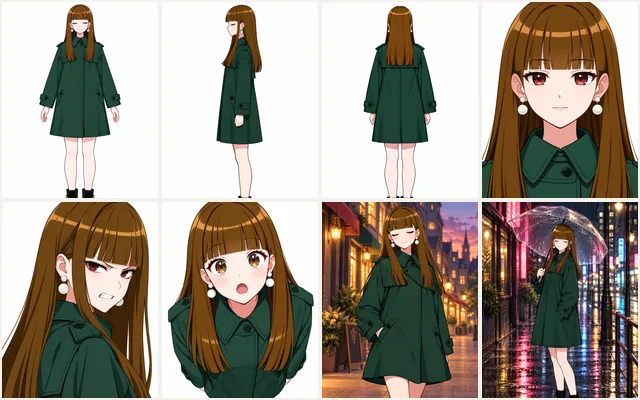
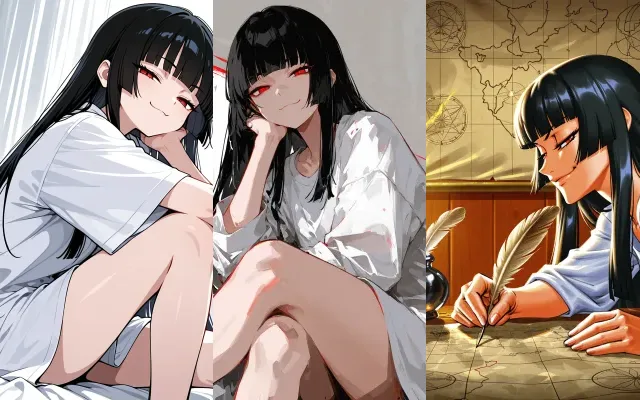
Switch to References and add up to 5 pictures: your characters, a place, an outfit, a prop. Each one gets a number, and the direction calls them by it.

Tip Type @ in the direction to pick a reference. Drag the pictures to renumber them.

Try it
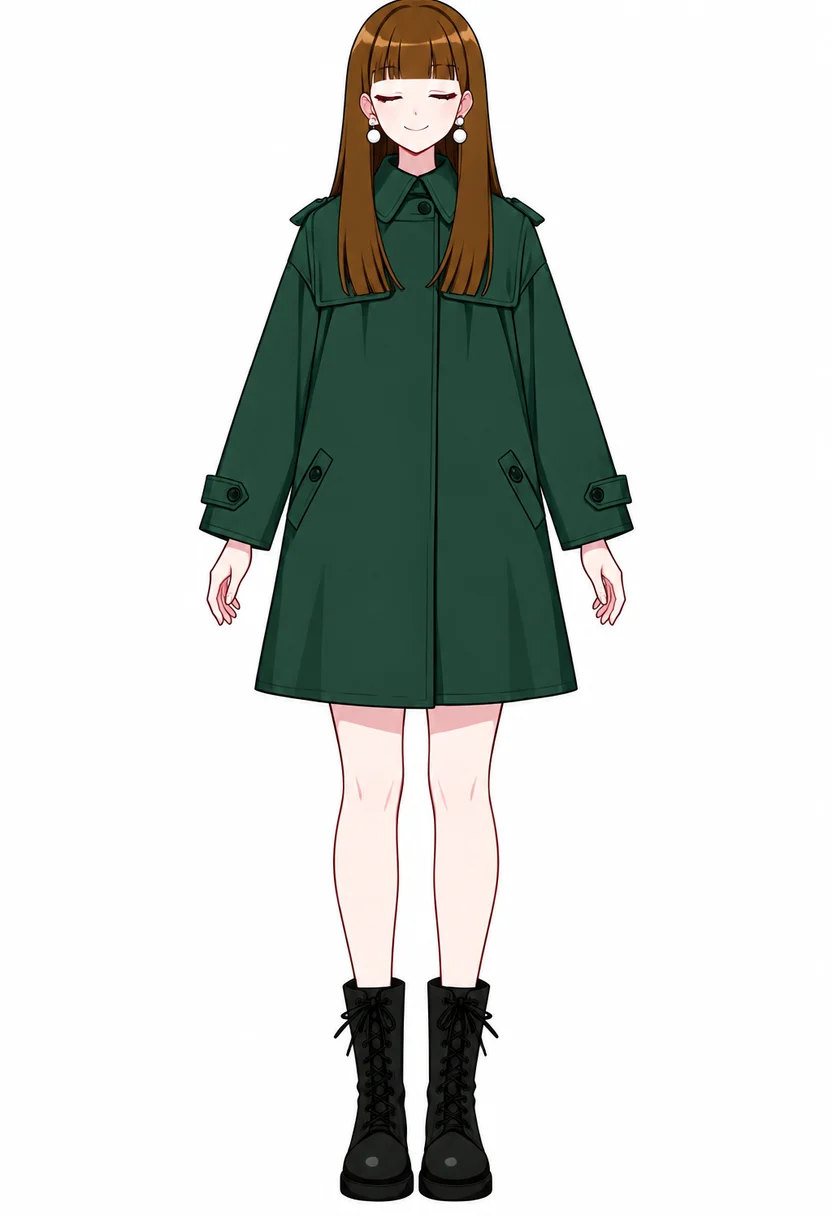
@image1
@image2
@image3

@image1 and @image2 walk side by side down the street from @image3, chatting and laughing, cherry blossom petals falling around them, the camera tracks backward in front of them.

Seedance 2.5 · 720p · 5 s · 3,600 coins

And when you want more

Reference video

Borrow a camera move, a dance or a fight's timing from a short clip. On Seedance 2.5, MiniMax H3 and WAN 3.0.

Reference audio

A song or a voice track sets the pacing and the lip-sync. On Seedance 2.5, Seedance 2.0, MiniMax H3 and WAN 3.0.

Extend a clip

Pick a finished clip, trim the part to continue from, and add seconds where it ends. On Seedance 2.5 and MiniMax H3.

Words only

No picture at hand? MiniMax H3 and WAN 3.0 start from the direction alone.

Pick a model

Priced per second of video, in coins. The total is on the button before you start, and a clip the model rejects refunds itself.

Seedance 2.54–30 s

The newest and sharpest, and the longest clips.

  • 480p360coins / s
  • 720p720coins / s
Start + end frameReferencesVideo refsAudio refsExtend
Seedance 2.04–15 s

Cinematic motion, with picture and sound references.

  • 480p240coins / s
  • 720p480coins / s
Start + end frameReferencesAudio refs
Seedance Fast4–15 s

Seedance 2.0, quicker and cheaper.

  • 480p200coins / s
  • 720p484coins / s
Start + end frame
Seedance Turbo4–30 s

Seedance 2.5 tuned for speed, long clips at 720p.

  • 720p400coins / s
Start + end frame
Seedance Mini4–15 s

The cheapest way to animate a picture.

  • 720p160coins / s
Start + end frame
MiniMax H34–15 s

Takes pictures, clips, sound or words alone, up to 2K.

  • 768p200coins / s
  • 2K280coins / s
Start + end frameReferencesVideo refsAudio refsWords onlyExtend
WAN 3.04–15 s

Pictures, clips, sound or words, with its own sound.

  • 480p100coins / s
  • 720p200coins / s
Start + end frameReferencesVideo refsAudio refsWords only
The settings

Duration

4 to 15 seconds, up to 30 on Seedance 2.5 and Seedance Turbo.

Shape

Auto follows your picture. Or pick 16:9, 9:16, 1:1, 4:3, 3:4, 21:9.

Quality

480p or 720p. Some models start at 720p, and MiniMax H3 runs at 768p or 2K.

Input

Illustrations only. Photographs and photorealistic pictures are turned away before anything is charged.

Direction that moves

Do

  • Describe what changes: who moves, how, and where the camera goes.
  • Start from a clear picture with one or two subjects, in the pose the motion starts from.
  • Pick the shape you want the clip in: wide for a scene, tall for a phone.
  • Call each reference by its number: “@image1 sits down, @image2 waves”.

Avoid

  • Re-describing the whole picture: the frame already says it.
  • Text, borders and overlays on the picture: they smear once things move.
  • A crowd: the models follow one or two subjects well, five badly.
  • Three actions in five seconds: one clear movement reads better.

Make your first clip

Open the Video tab, drop a picture in, write one line.

Start a video

More AI tools

Everything else ashigen does, one click away. See them all in the Studio.

Questions

Is video free?

No. Free generations cover plain images. Video uses coins and needs a Pro or Plus membership; the price of each clip shows before you start.

How long can a clip be?

From 4 to 15 seconds on most models, and up to 30 seconds on Seedance 2.5 and Seedance Turbo. A finished clip can also be extended.

What if the model refuses my clip?

A clip the model rejects or fails to render gives the coins back on its own.

What pictures can I use?

Illustrations: pictures you generated here, including your trained characters, or art you own or may animate. Photographs and photorealistic pictures are turned away before anything is charged.

How do references work?

In References mode every picture gets a number. Write @image1, @image2 and so on in the direction to say who does what and where.

Do clips have sound?

Seedance and WAN clips come with generated sound. Several models also take a song or a voice track as a reference to follow.

Where do my clips go?

Into your history with a poster frame, ready to watch, download or extend.