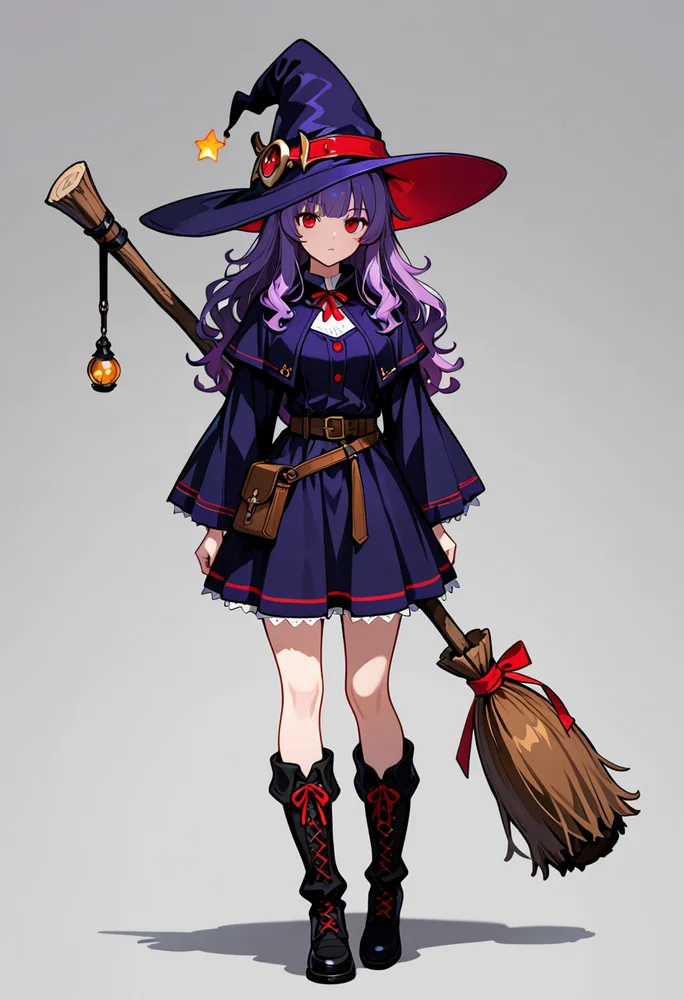
Appearance: 1girl, solo, red eyes, witch hat, witch, full body, purple hair
Design an original character with chips or tags, see them in seconds, keep them consistent with a model of their own.
Describe their appearance, sign in, and generate; the picture comes back to this panel.
A way to design an original character without drawing: pick attributes, see them rendered in anime style, change them, render again. When the design is right, the Studio trains a model of them so they look the same in every picture you make afterwards.
Pick from the attribute chips or type booru tags with autocomplete: hair, eyes, outfit, expression, framing.
The studio opens with your tags in the box. Render one or four, on Illustrious or Anima, with any LoRA you like.
Change a tag, fix a detail with inpainting, upscale the keeper, save the prompt as a preset.
Train a character model in the Studio on your best pictures; from then on a trigger word brings them back.
Made with this page, tags included. Pick one and it lands in the box at the top.
Appearance: 1girl, solo, red eyes, witch hat, witch, full body, purple hair
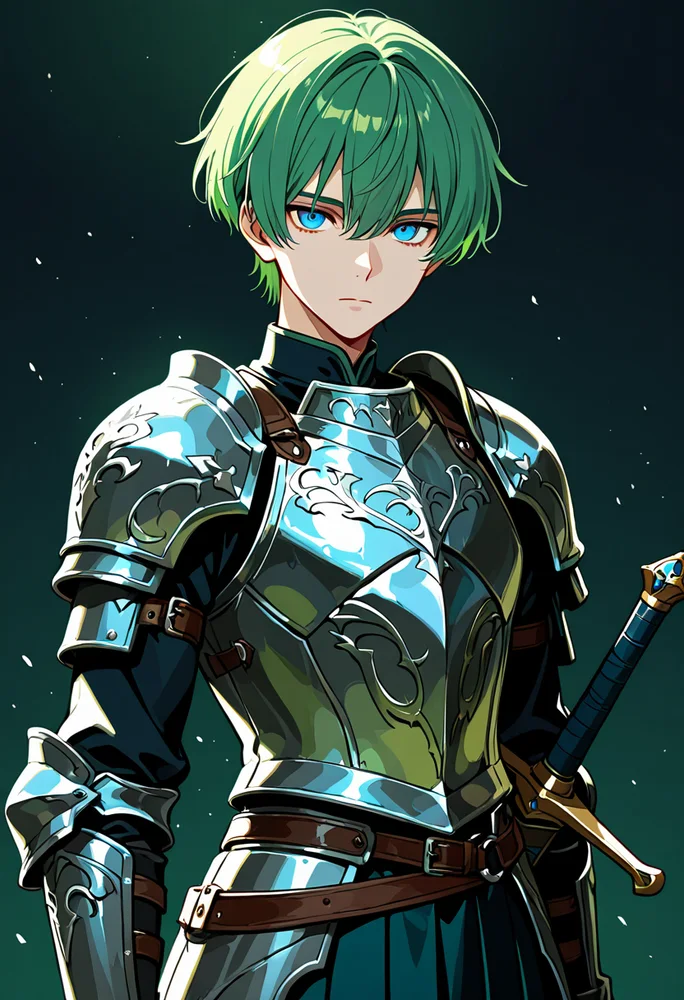
Appearance: 1boy, solo, green hair, short hair, blue eyes, expressionless, armor, skirt, sword, portrait, looking at viewer
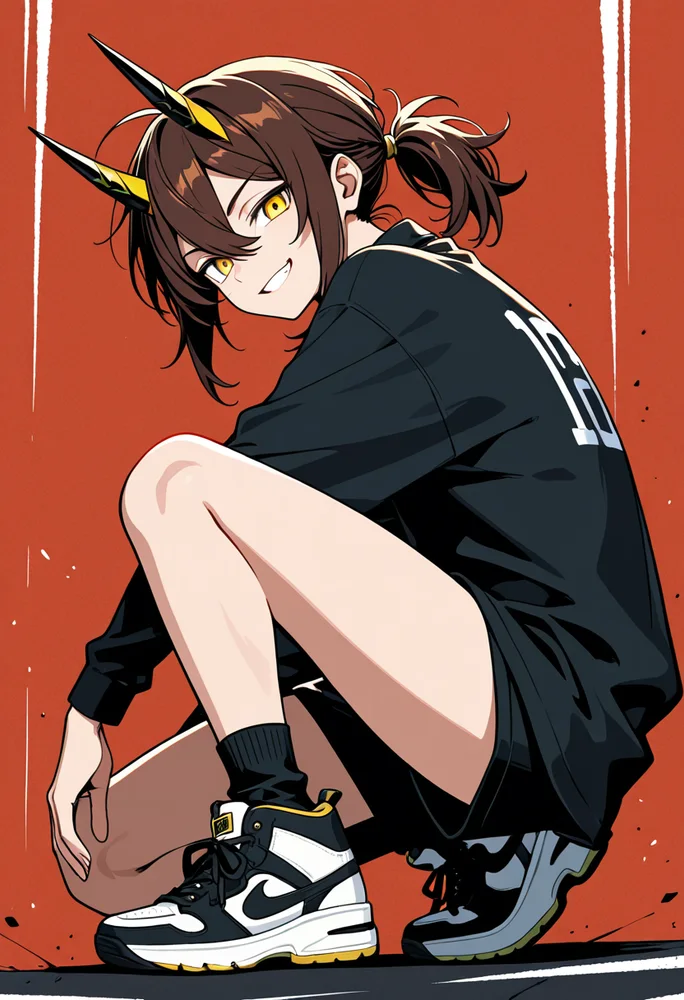
Appearance: androgynous, solo, brown hair, ponytail, yellow eyes, grin, shirt, sneakers, horns, from side, looking at viewer
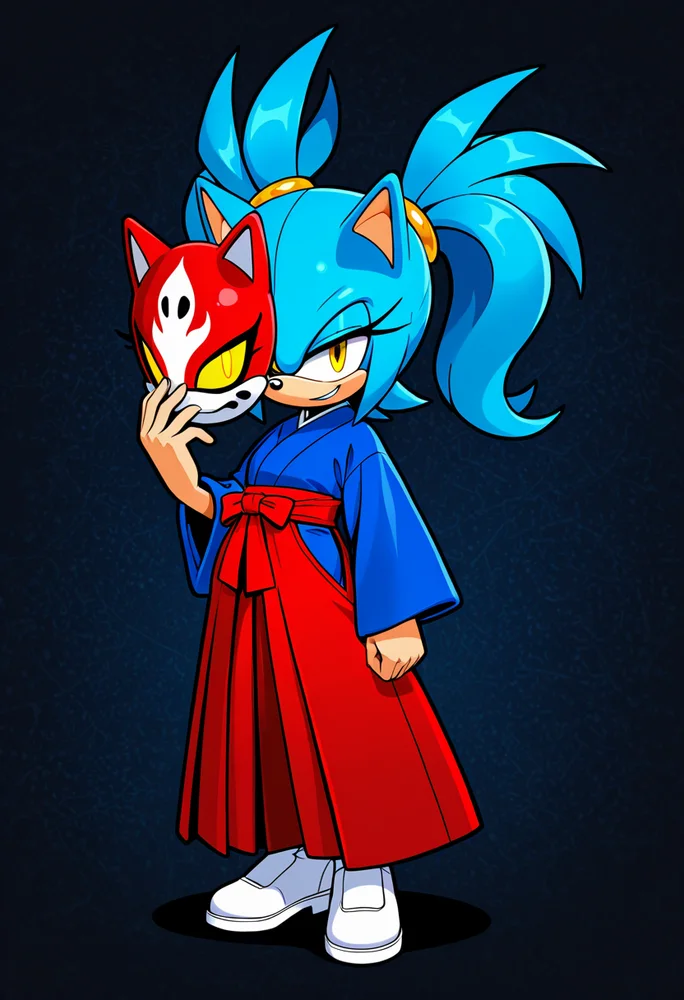
Appearance: 1girl, solo, blue hair, twintails, yellow eyes, smirk, dress, hakama, full body, looking at viewer, mask, mobian, sonic (series), hedgehog girl
Chips and tags do the describing; the model does the drawing. A full design in under a minute.
Hair, eyes, body, outfit, accessory, framing: change one chip and render again until it is them.
A trained character model keeps the same face and outfit across scenes, poses and lighting.
Up to six characters in one picture, each with their own model and region, for casts and duos.
Pictures and models stay in your account; the model is private unless you publish it.
Free generations every day cover plain renders; coins only for the heavier tools and training.
The Character creator set for a series: its cast as a dropdown, its style in the box.
Everything else ashigen does, one click away. See them all in the Studio.
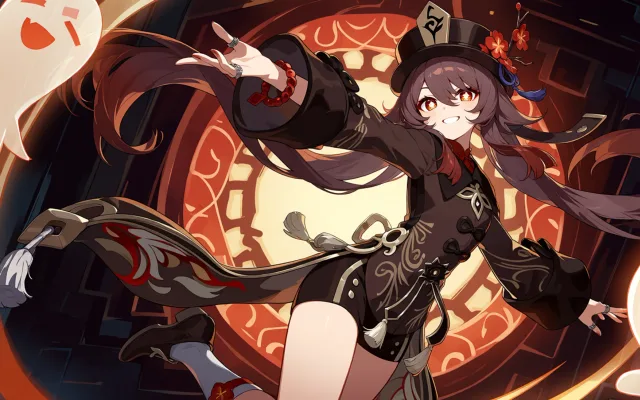 AI anime generatorAnime art from tags or plain words, free every day.
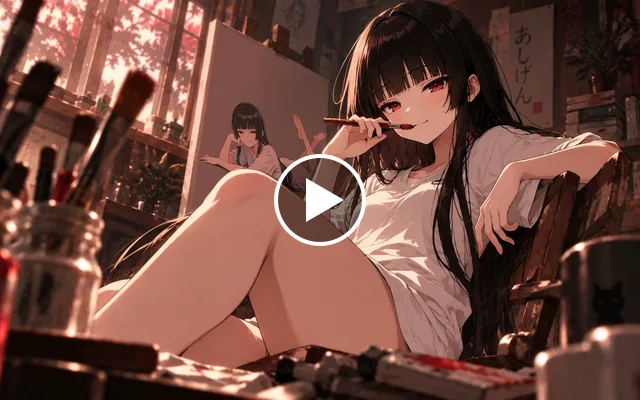 ProImage to videoA few seconds of motion from one picture and a line of direction.
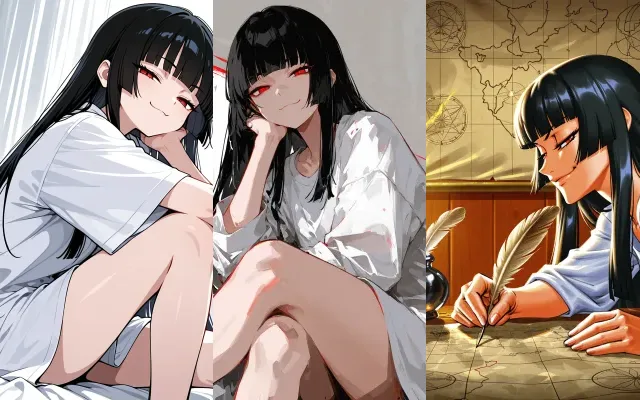 Train your own LoRATeach the model your character, style or concept.
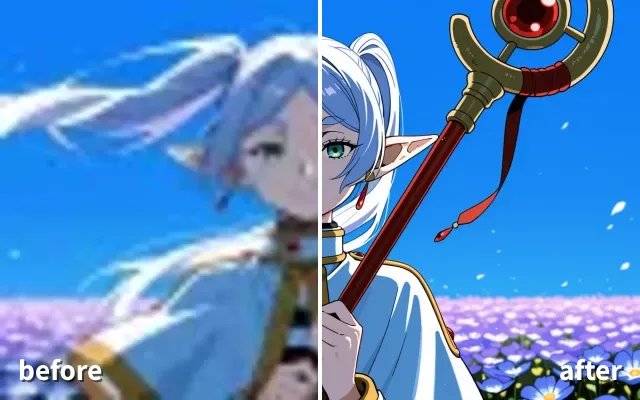 ProUpscaleMore detail and a bigger picture, in one pass.
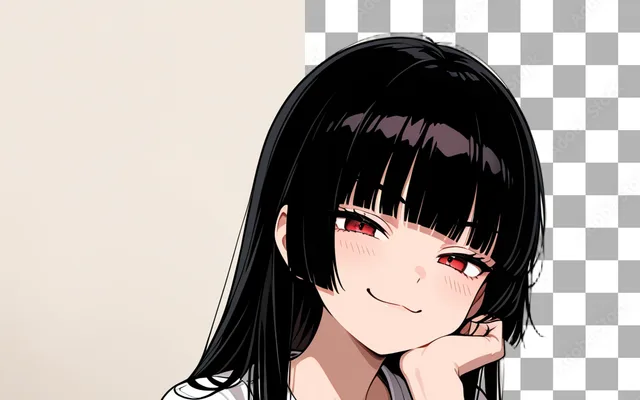 ProRemove backgroundCut your character out onto transparency.
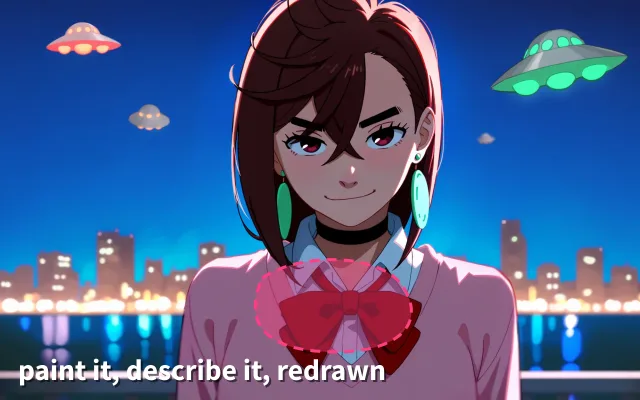 ProInpaintPaint over one part of a picture and redraw just that.
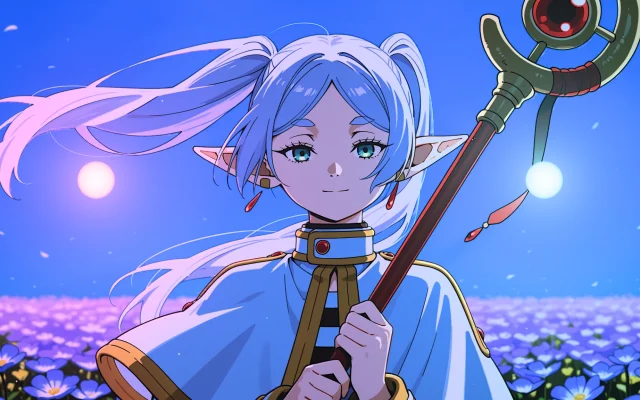 RelightMove the light on any anime picture, with shadows, rim light and coloured lights. Free.
No. The attribute chips write them for you; the autocomplete helps when you type. The Text mode of the studio takes plain words too.
Generate a few good pictures of them, then train a character model in the Studio with around twenty of them. Its trigger word brings the character back in any prompt.
Yes, as training material in the Studio: drawings work, photos of real people are refused. The generator itself works from tags.
You do. The model and the pictures are private unless you publish them on your page.